Dictawave is a browser-based transcription tool. Upload an audio or video file you own, and get an editable, timestamped transcript in minutes. It supports 99 languages, separates speakers, and exports TXT, SRT, or VTT. Files up to 500 MB. Nothing to install; sign-up is free and includes 60 minutes a month.
Press kit
Everything you need to write about Dictawave.
Dictawave turns audio and video you own into editable, timestamped transcripts in the browser. This page has approved descriptions, product facts, screenshots, logo files, and a direct contact — no email tag required.
简体中文Last updated:
Boilerplate
Three approved lengths. Copy the one that fits; please keep the product claims accurate.
Dictawave turns recordings into clean, editable text in the browser. Upload an audio or video file you own — interviews, lectures, meetings, podcast episodes, voice memos — and Dictawave detects the spoken language, optionally separates speakers, and returns a timestamped transcript you can fix inline. Exports include TXT, SRT, and VTT, so the same transcript can become show notes, an article draft, or subtitles. Files up to 500 MB are supported across 99 languages. There is nothing to install, and you can try it without creating an account. The free tier includes 60 minutes a month.
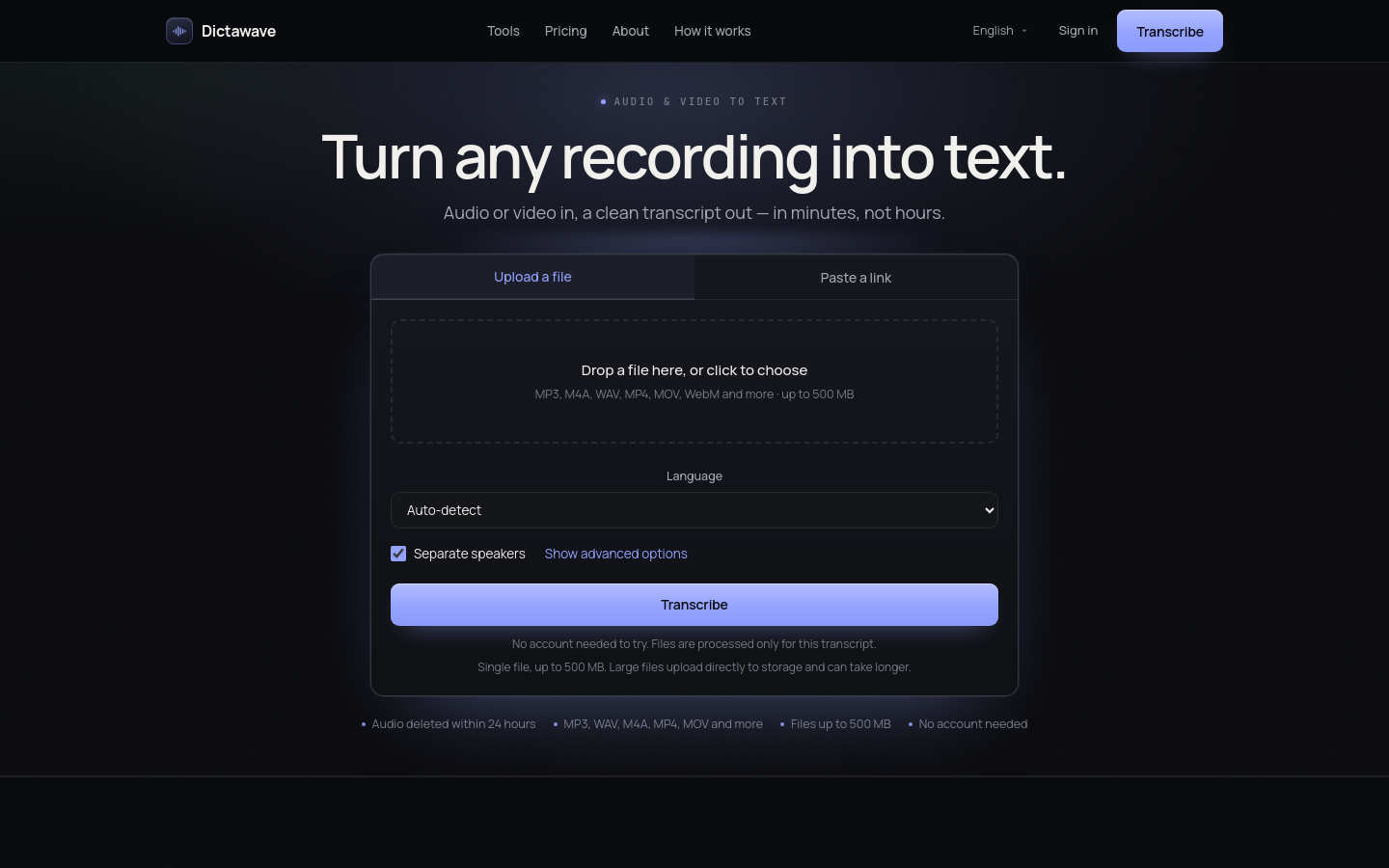
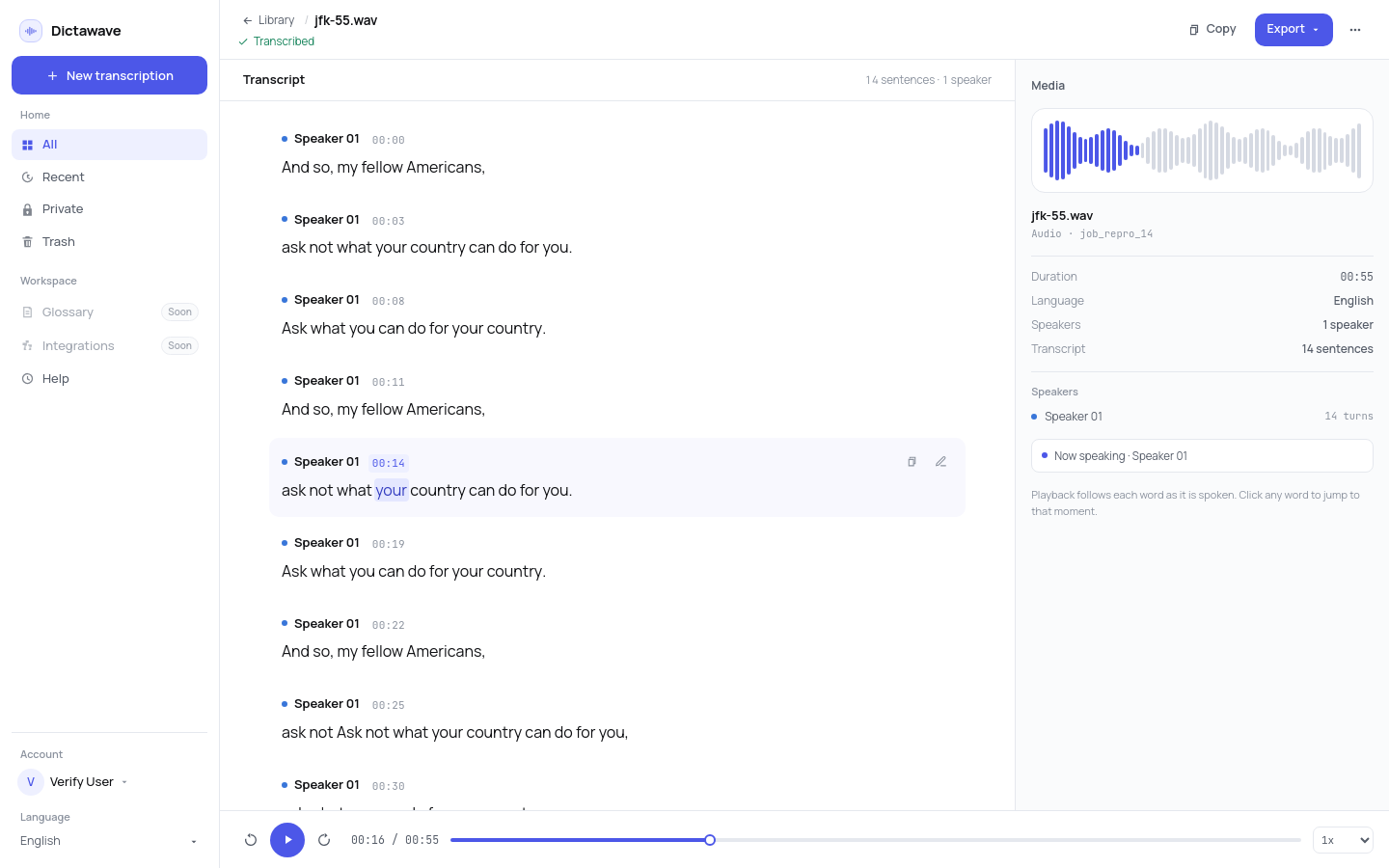
Dictawave is a browser-based transcription tool for people who already have the recording. Upload an audio or video file you own or have permission to use — a podcast episode, an interview, a lecture, a sales call, a voice memo — and Dictawave returns an editable, timestamped transcript in minutes, not hours. The workflow is deliberately short: choose a file, confirm the language (or let Dictawave detect it), decide whether to separate speakers, and start. When the transcript is ready, fix names and jargon inline, then export TXT for writing, SRT or VTT for subtitles, or a document for review. Files up to 500 MB are supported, with 99 languages and speaker labels. Dictawave runs in any modern browser on desktop and mobile; there is no app, plugin, or meeting bot to install. It does not download audio from YouTube, TikTok, or other platforms: you must own the file or have permission to use it. Summaries, translation, meeting recording, and custom glossaries are in development and are not part of the product today. The free tier includes 60 minutes a month after a free sign-up. Pro and Business plans are listed on the pricing page as coming soon.
Product facts
Numbers are kept in one place in the codebase and mirrored here. If a fact changes, this page changes with it.
- What it is
- Browser-based audio and video transcription
- Platforms
- Any modern browser — desktop and mobile; nothing to install
- Languages
- 99 languages, with automatic spoken-language detection
- File limit
- Up to 500 MB per file
- Exports
- TXT, SRT, VTT
- Speaker labels
- Optional speaker separation on supported files
- Free tier
- 60 minutes a month after a free sign-up
- Paid plans
- Pro ($9/month) and Business ($19/month) are listed as coming soon
- Compliance
- Only files the customer owns or is permitted to use. No downloading from third-party platforms.
- Company
- Dictawave — independent software
Screenshots
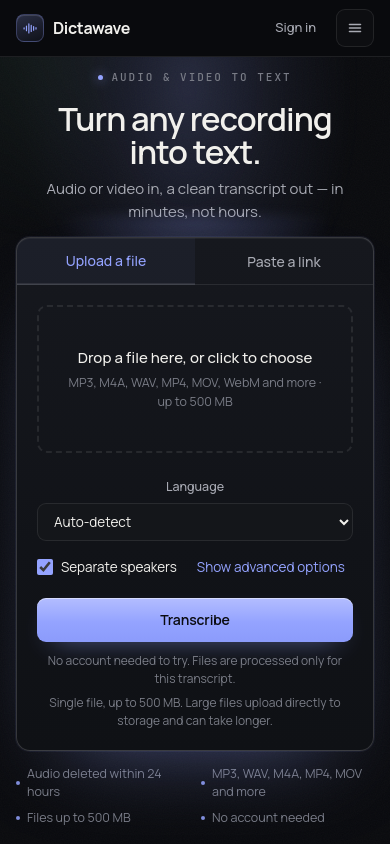
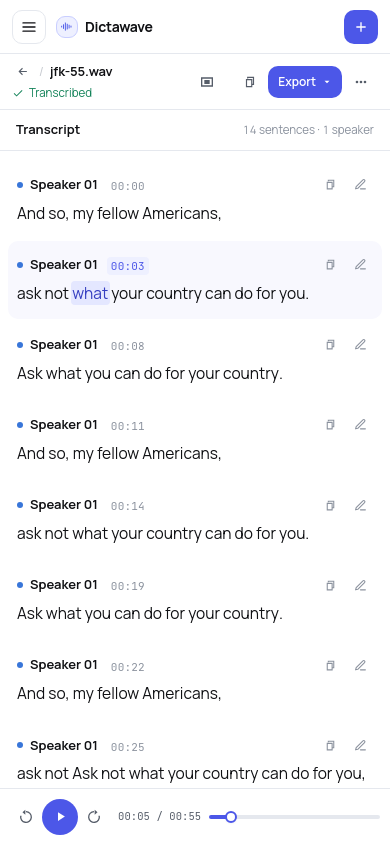
Current product UI, captured at 1440×900 and 390×844. Free to use in coverage of Dictawave; please keep the interface unaltered.
Logo & color
Download the vector files and use the palette below. The mark is a spoken waveform flattened into a straight line — a recording turned into text.
Logo files
SVG, transparent background, unmodified geometry. Keep clear space of at least 25% of the icon height on all sides.
Palette
Use Signal Indigo for actions and accents; the neutrals carry the page. Do not recolor the mark.
- Signal Indigo
#4C57E8 - Indigo pressed
#3F49D5 - Canvas
#F7F8FB - Surface
#FFFFFF - Ink
#101114 - Secondary text
#565D69 - Border
#E5E8EE
Usage
- Use the unmodified files for editorial coverage, reviews, and event listings.
- Do not stretch, recolor, add effects, or place the mark on a busy photo.
- Do not imply partnership, endorsement, or sponsorship without written permission.
- For co-branded or commercial use, email us first.
A line from the founder
Most transcription tools ask you to sign up, install something, or put a bot in the meeting before you see a single word. We wanted the opposite: open the page, upload the file you already have, and read the transcript. That is still the whole product.
— Founder, Dictawave
Available for interviews and product walkthroughs. We can provide a live demo recording or answer questions by email.
Press contact
For interviews, review access, or clarification on any claim on this page, email the founder directly. Press inquiries are read by a human, not a ticket queue.
We aim to reply within two business days.